
To communicate with your attendees using Kago Events, follow these steps:
- Log In to Your Kago Events Account
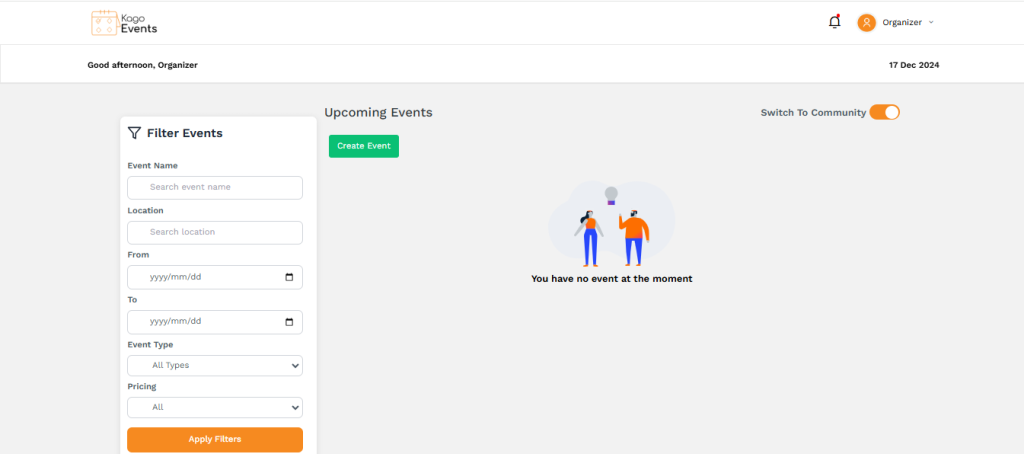
- Start by logging into your Kago Events account and accessing the dashboard.
- Go to the Event Page
- Navigate to the specific event you want to communicate about. Select the event to view its details and access attendee management tools.
- Access the Communication Tools
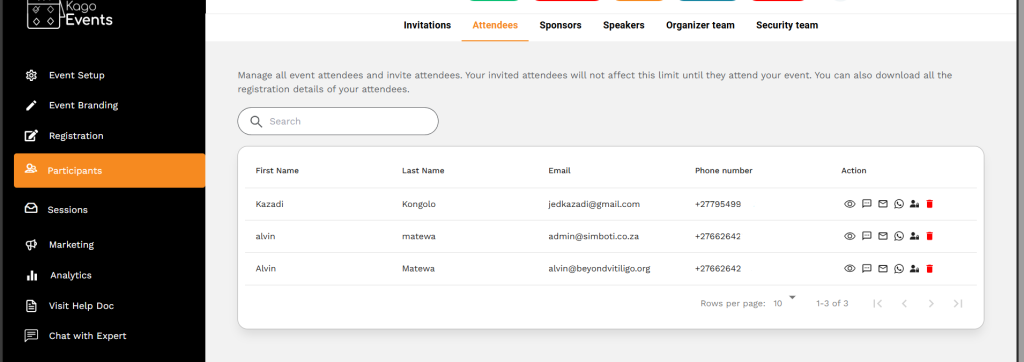
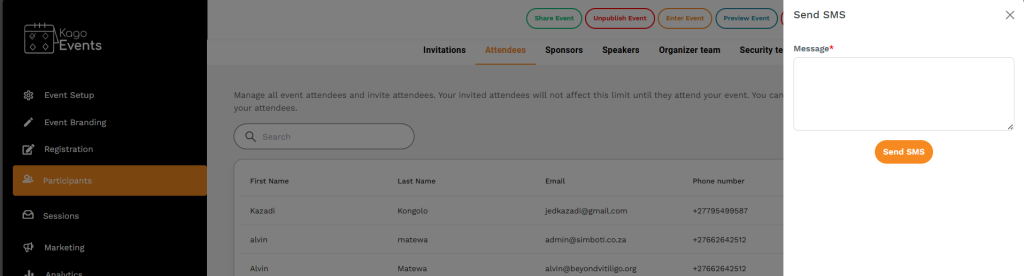
- Within the event management section, look for options like SMs. These tools allow you to send updates, reminders, and other communications to your attendees.
SMs
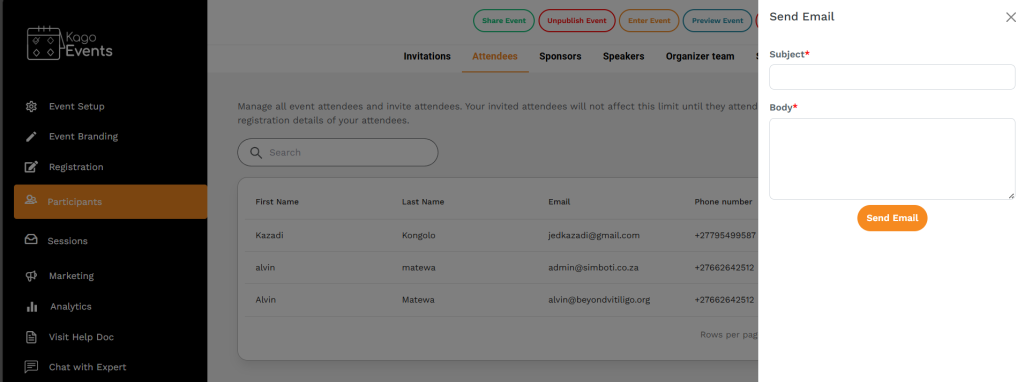
Emails
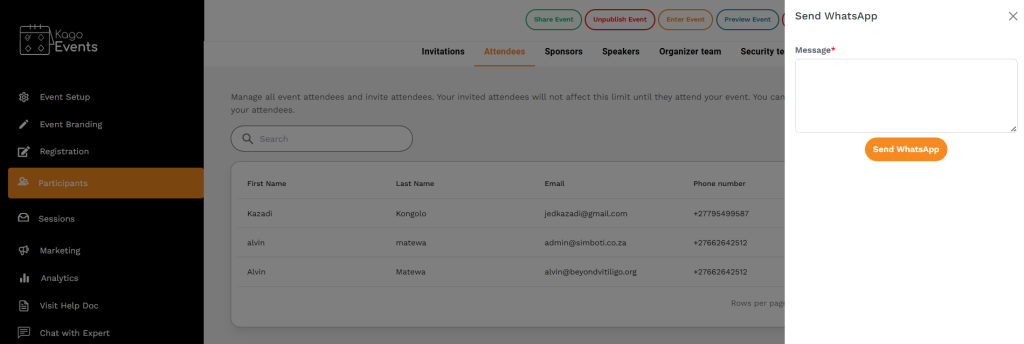
- Draft Your Message
- Write a clear, concise message tailored to your audience. Include important information, such as event details, schedule changes, reminders, or any special instructions. You can also add personalization tokens, like the attendee’s name, to make the message more engaging.
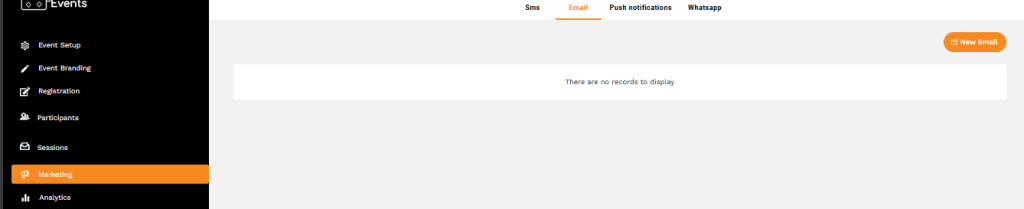
- Choose the Delivery Method
- Decide whether to send the message as an email, WhatsApp, or in-app notification, depending on what Kago supports and your preferences.
- Check Analytics and Follow-Up
- After sending, use Kago’s analytics to track open rates, delivery status, and attendee responses (if available). This feedback can help you gauge attendee engagement and plan any necessary follow-up communication.
- Send Follow-Up Communications After the Event
- Post-event, send a thank-you message or feedback survey to gather attendee insights. This helps improve future events and builds rapport with your attendees.
Using these steps, you can efficiently manage communications with attendees, keeping them informed and engaged throughout your event.