
To manage your security team in Kago Events, follow these steps:
- Go to the Participants Section
- In your Kago Events dashboard, select Participants from the menu on the left
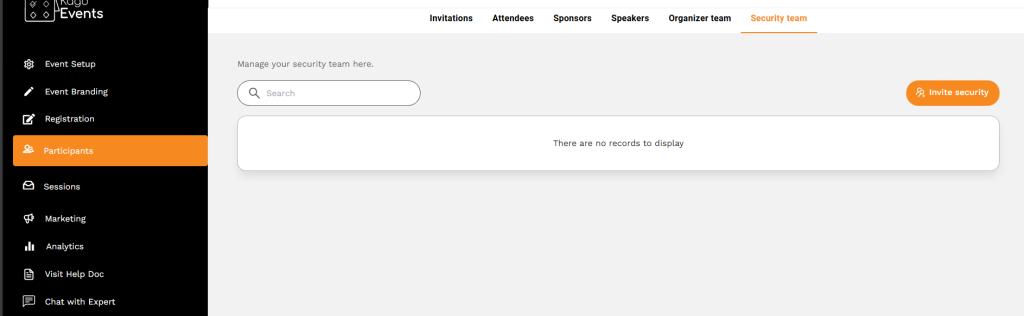
- Select the Security Team Tab
- In the top navigation within the Participants section, click on Security Team to access and manage your event’s security personnel.
- Invite a New Security Team Member
- Click on the Add Security Team button, usually located in the top-right corner. Enter the team member’s details, such as their name, email, phone number, and role. You may also add any relevant information specific to security.
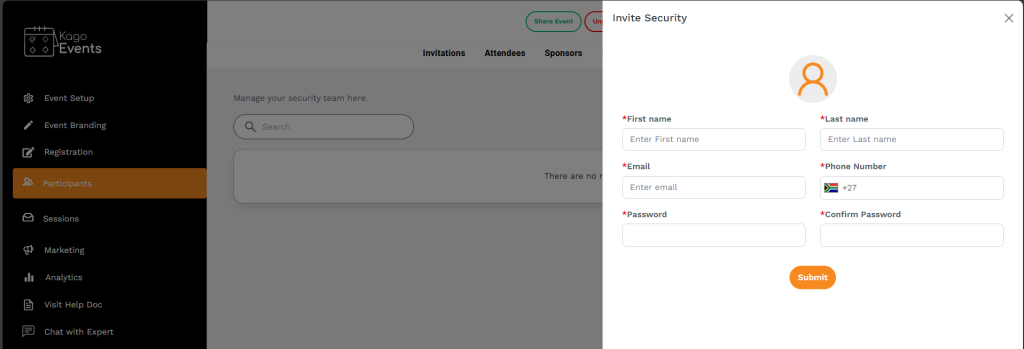
Add Security Team
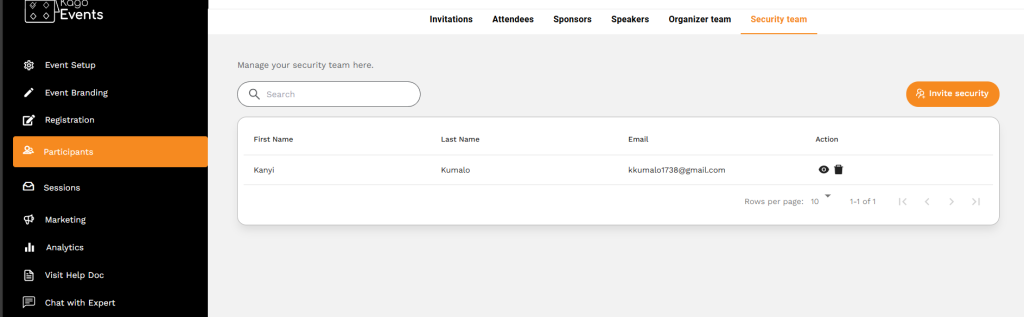
- Remove a Security Team Member
- To remove a member from the security team, click the Delete icon (trash can icon) next to their information. Confirm the deletion if prompted.
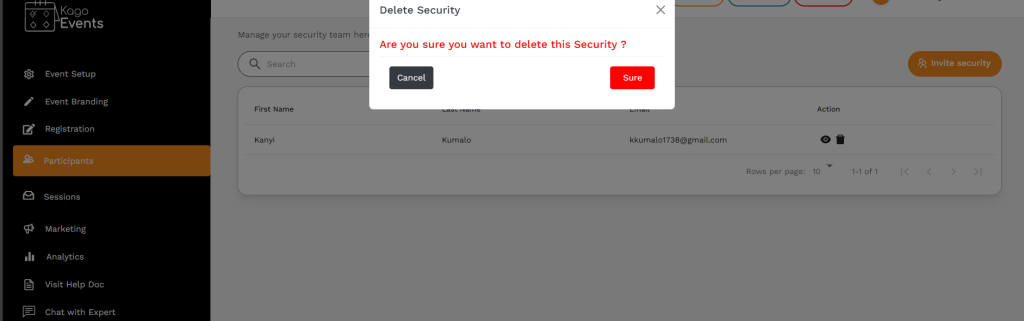
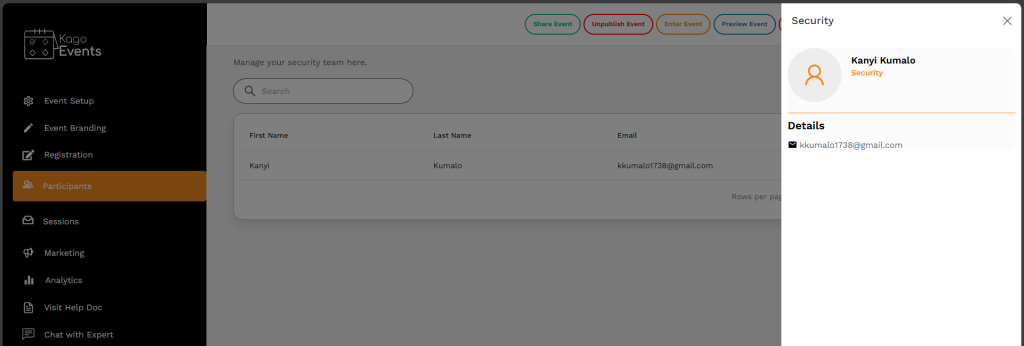
- View Security Team Member Information
- To quickly view a team member’s details without editing, click the View icon (eye icon) next to their entry.
By following these steps, you can effectively add, update, and manage your security team in Kago Events, ensuring each member has the correct information and role for your event’s safety and security.