
To register for tickets with Kago Events, follow these steps:
- Visit the Event Page
Go to the Kago Events website and locate the specific event you want to attend. You’ll find a “Register” or “Get Tickets” button on the event page.
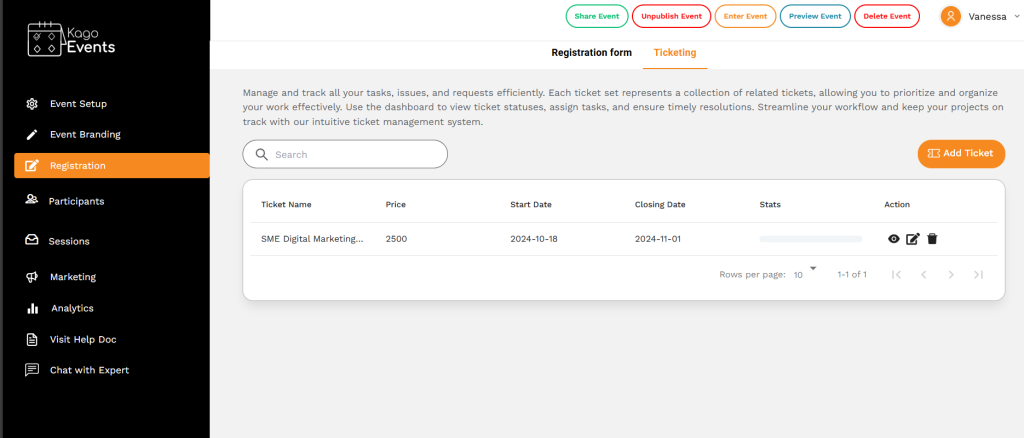
- Select Ticket Type
Choose the ticket type you want, such as General Admission, VIP, or other options, based on your preferences and budget. Each ticket type may have different prices and benefits.
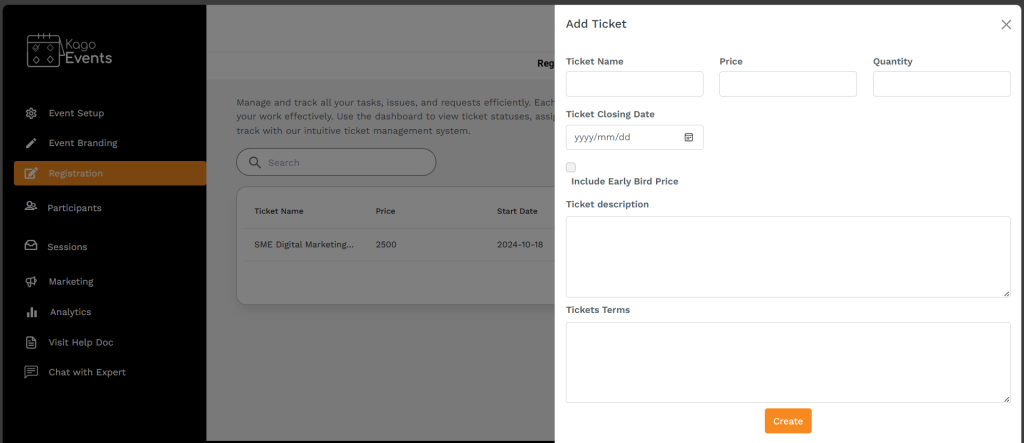
- Choose the Number of Tickets
Select the number of tickets you wish to purchase. Kago Events usually allows you to buy multiple tickets in a single transaction.
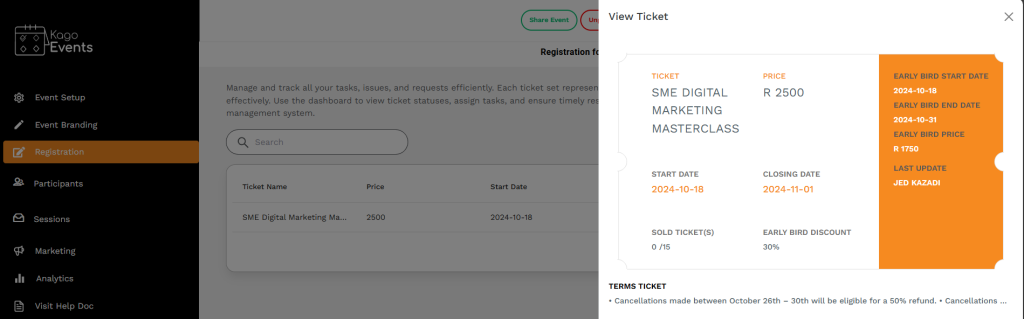
- Enter Attendee Information
Fill in the required attendee details, such as name, email, and phone number. Some events may ask for additional information, like job title or company. - Proceed to Payment
After entering attendee information, proceed to the payment section. Kago Events typically supports multiple payment methods, including credit/debit cards. - Complete Payment
Enter your payment information and confirm the payment to finalize your ticket purchase. - Receive Confirmation
Once the payment is successful, you will receive a confirmation email with your ticket(s) and event details. This may include a QR code or ticket number for entry. - Save or Print Your Tickets
Keep a digital copy of your tickets on your phone or print them if required, as you may need to present this for event entry.
By following these steps, you can easily register and secure your tickets for a Kago Events event.